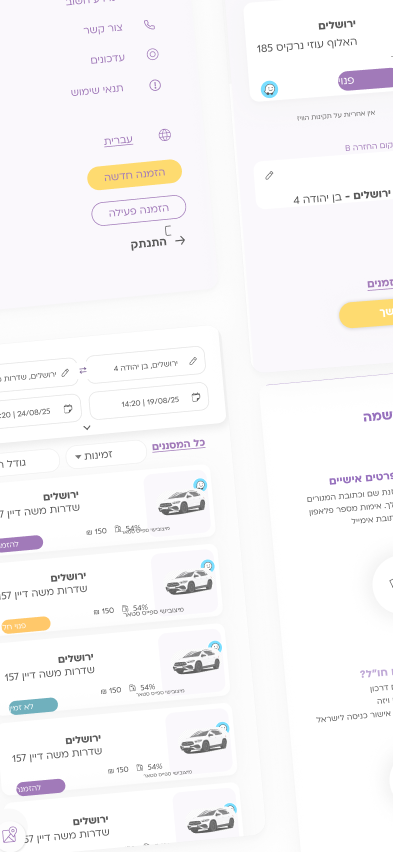
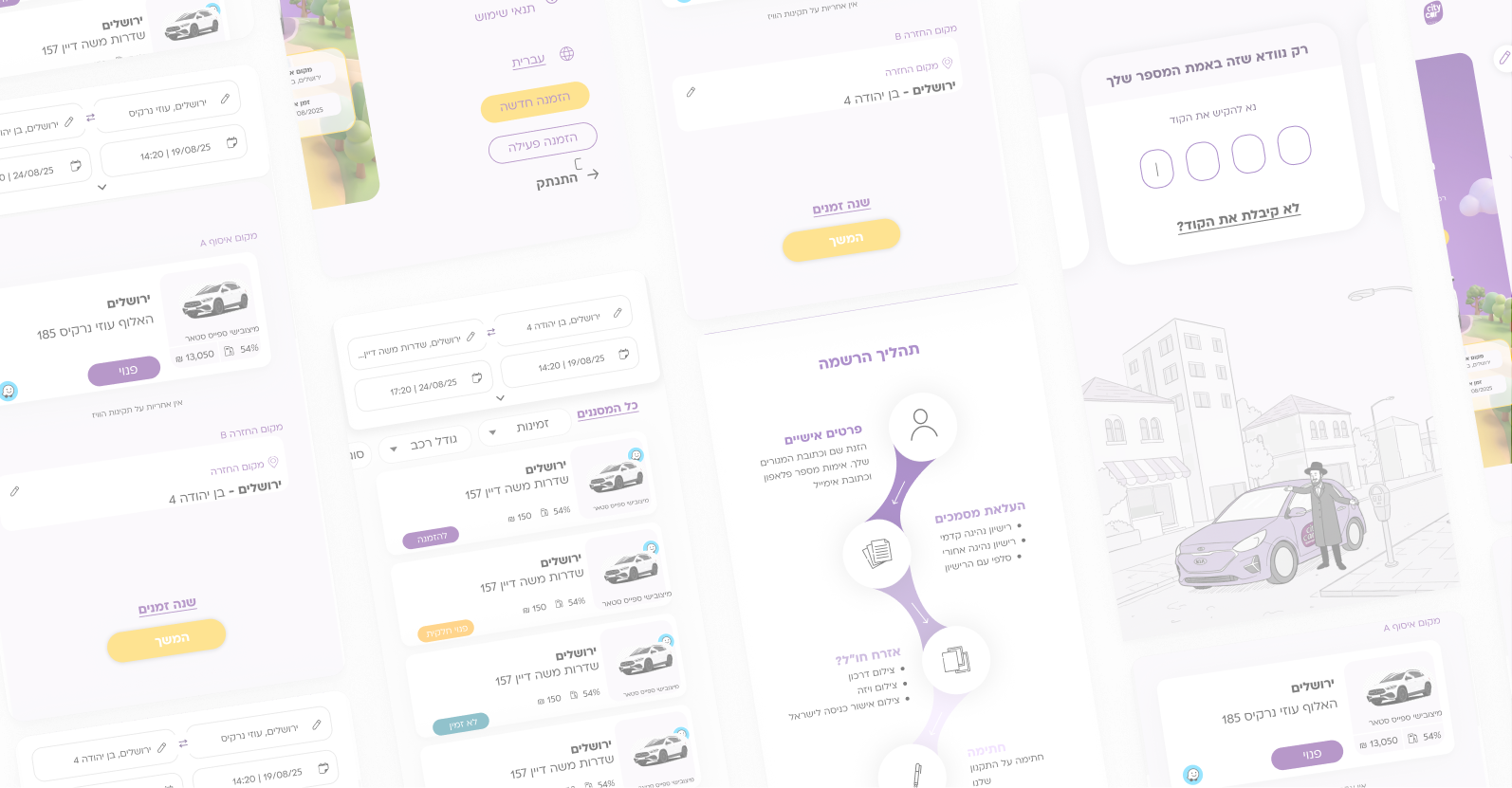

City Car booking product screens

CITY CAR

UX & UIWebsite DesignDevelopment Preparation
About

About

City Car is Israel’s largest car-sharing service provider.
As part of the upgrade to the company’s digital platform, I was tasked with redefining the user experience and interface for both web and mobile.

Challenge

While the company is up and running successfully, the legacy website and app felt outdated and complex, creating friction for users during critical flows

The Solution

In this project, I will focus on redesigning the booking process and streamlining the experience to make it intuitive, modern, and aligned with City Car’s high standards—and, above all, ensuring it meets user needs and delivers an excellent user experience.

User Research

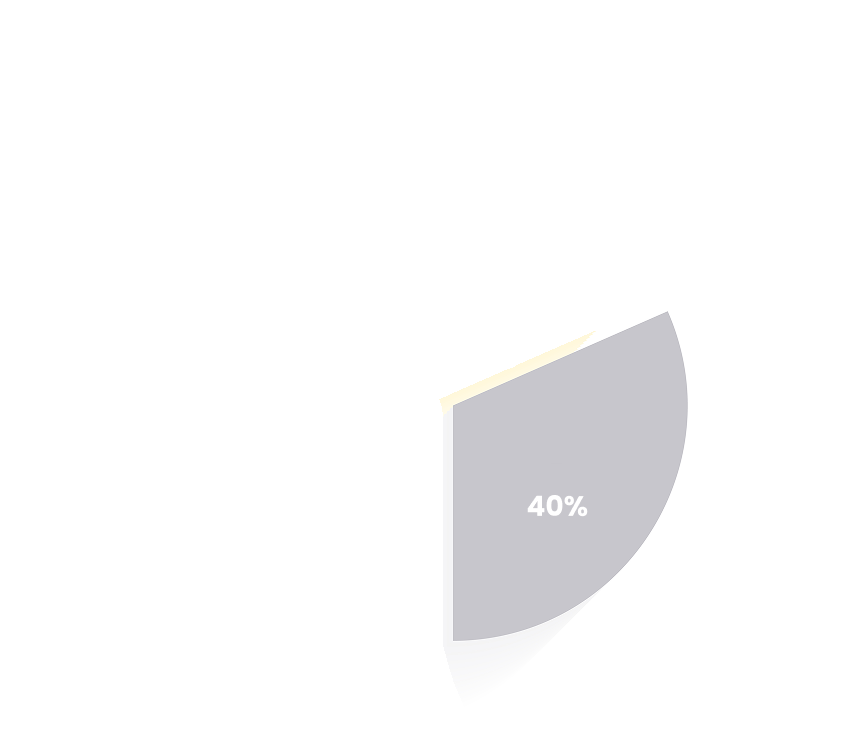
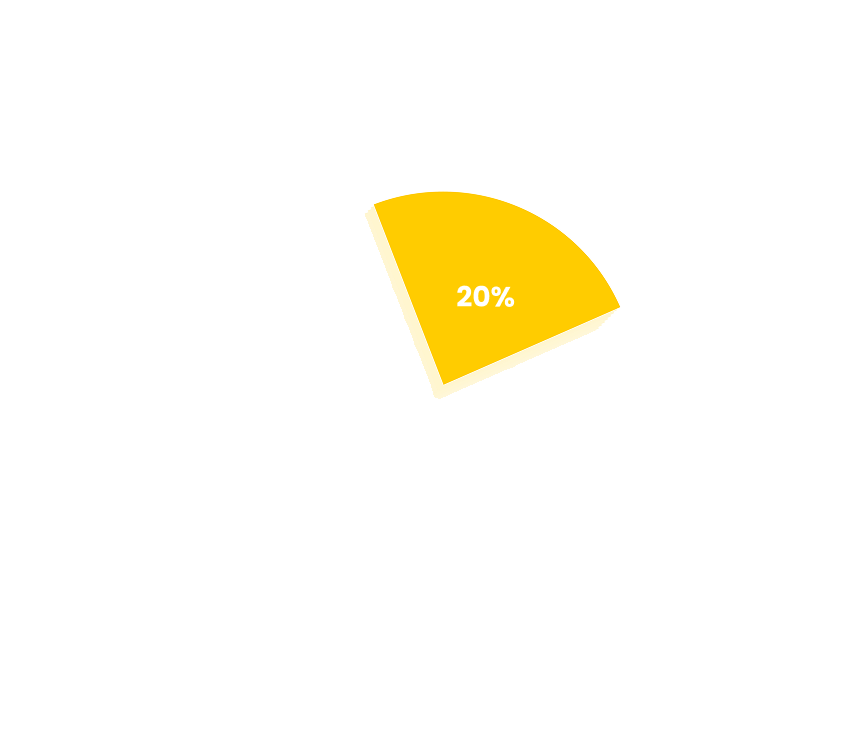
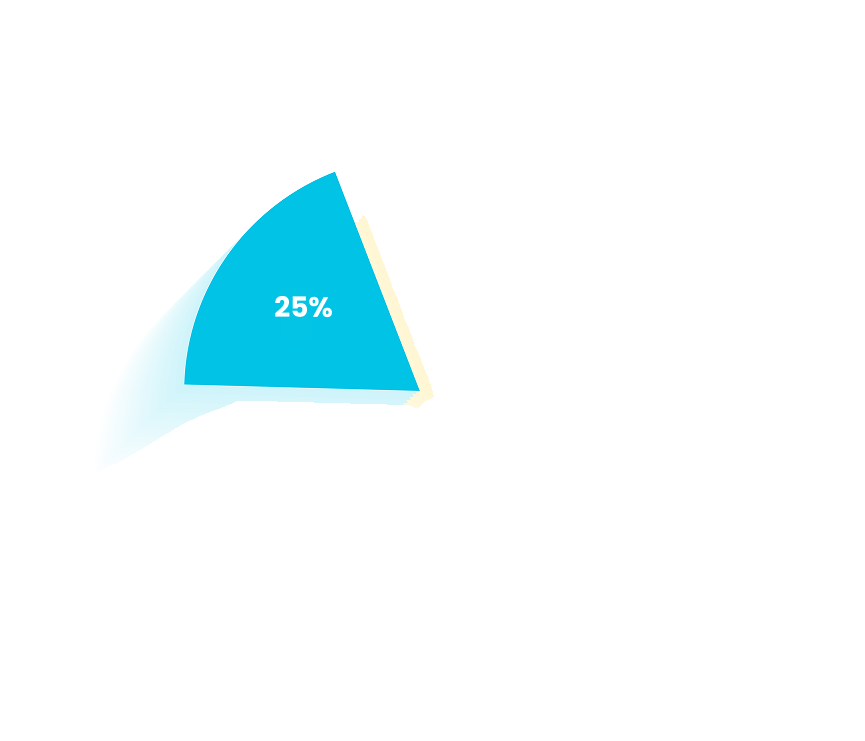
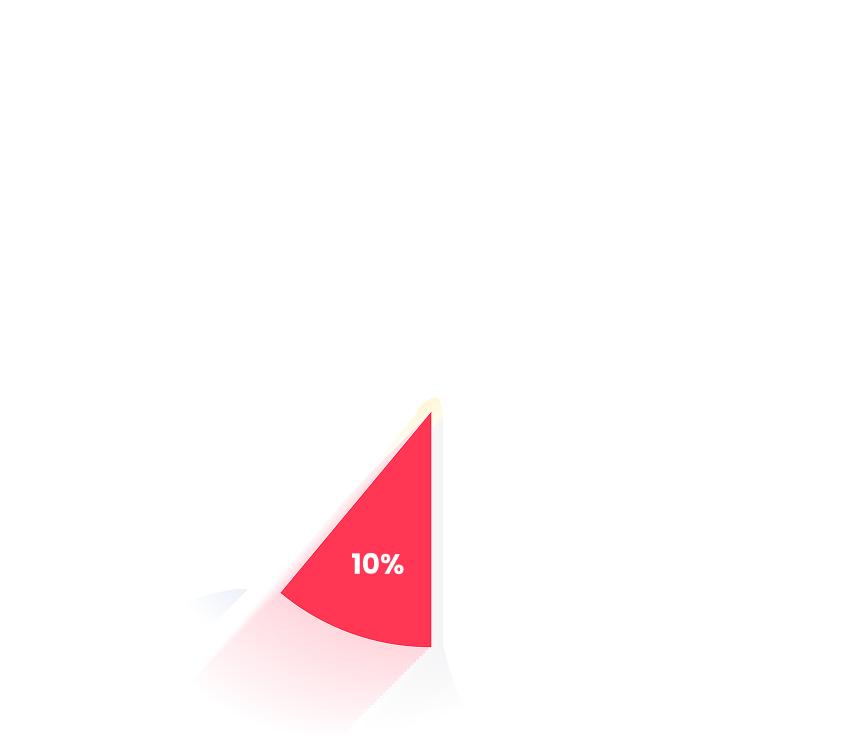
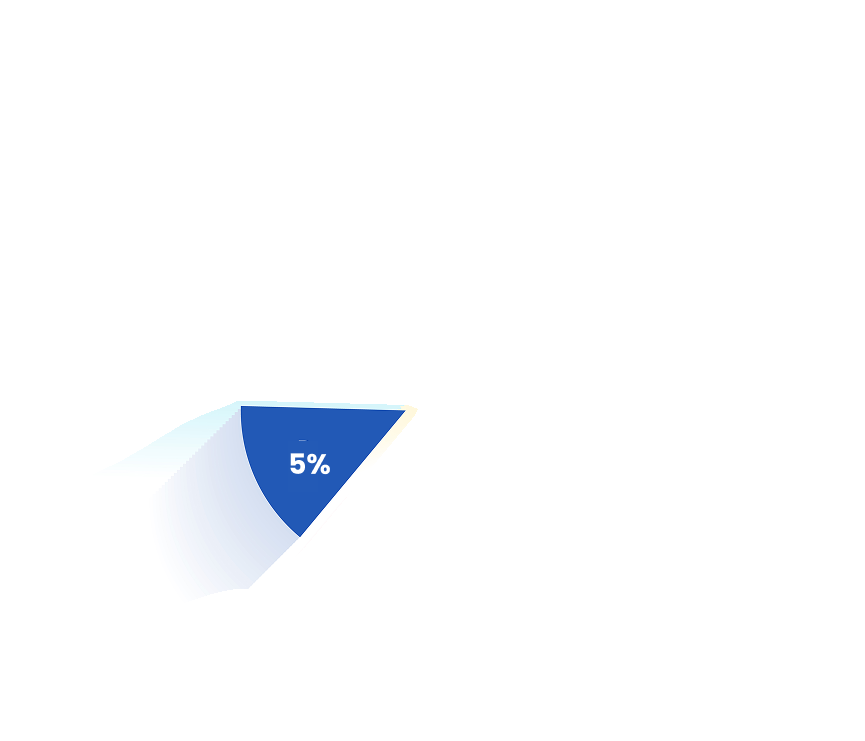
  • 40% Fair
  • 20% Good
  • 25% Comfortable
  • 10% Needs Improvement
  • 5% bad

"Good enough" is the worst enemy of "excellent"

User Profile

User Profile

Shai Neiman

Shai Neiman

Salesperson and father of two

Pain Points

Shai works full-time, he doesn’t earn enough to own a car, but comfort is importantto him when he’s with his sons. He isn’t the type to plan ahead, he makes all his decisions on the spur of the moment

Goals:

A shared vehicle parked near your home and available 24/6 A clear, user-friendly interface and a booking process that takes no more than 3 minutes

Yosef Biton

Yosef Biton

69 year old, pensioner

Problems:

Yosef, a resident of central Tel Aviv who lives alone and values his independence, doesn’t own a car due to parking difficulties and frequently uses City Car. Given his age and living situation, he prioritizes a simple, convenient, and straightforward booking process.

Goals:

A booking process so simple and clear that I can complete it quickly and independently, without needing to ask my family for help

UX Strategy

UX Strategy & Key Decisions

Solution 1

UX Architecture & Flow Optimization Reducing cognitive load by restructuring a fragmented 5–6 screen process into a streamlined, intuitive 4-step user journey

Solution 2

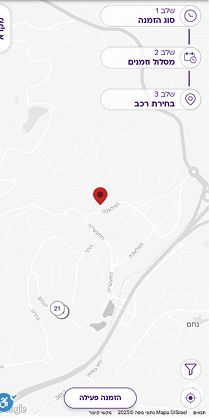
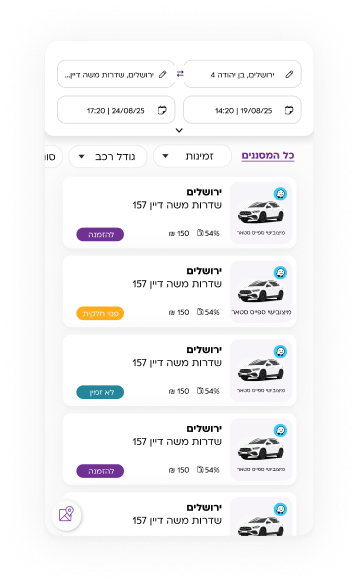
Redefining vehicle selection by combining a live, dynamic map with a synchronized list, tailored to user preferences on a single screen

Solution 3

User Flexibility & Control
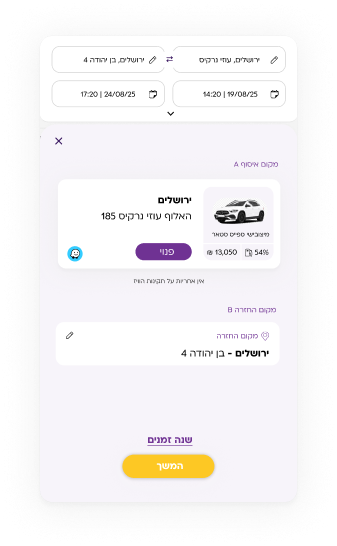
Architecting a flexible booking model that allows users to modify dates and times seamlessly at any stage of the process, preventing drop-offs
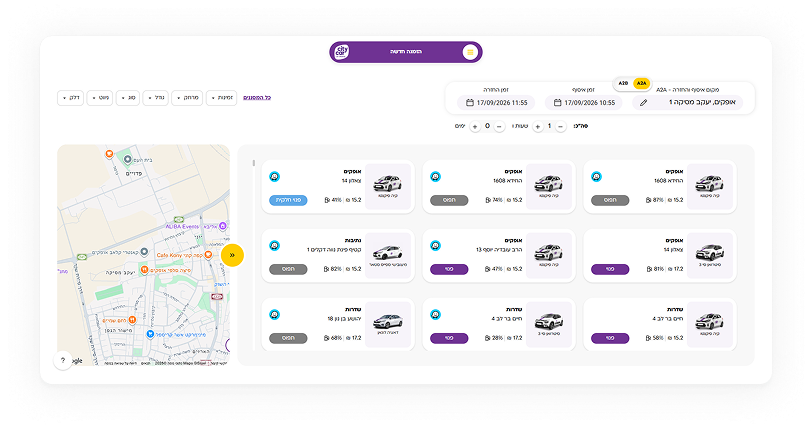
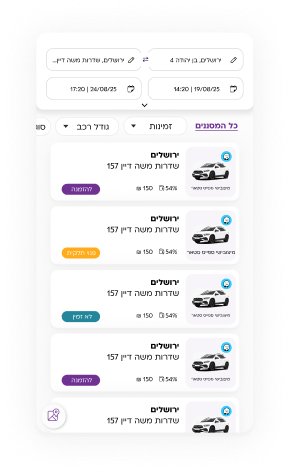
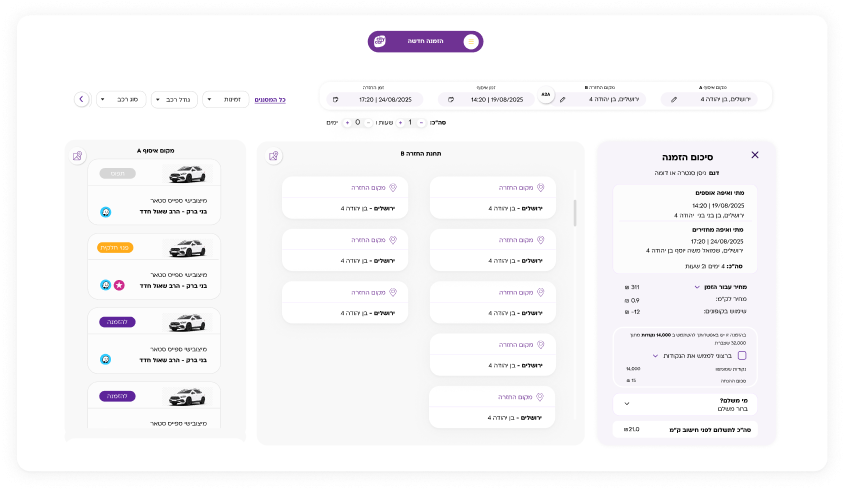
result

A clearer and easier process that can be completed in just a few minutes.

Previous Version

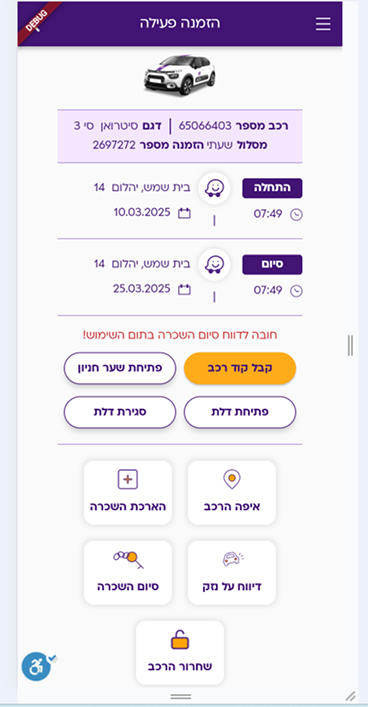
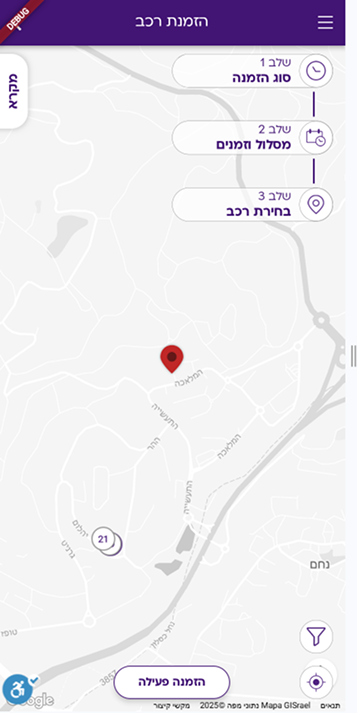
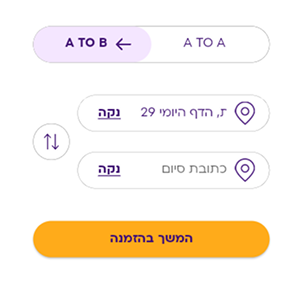
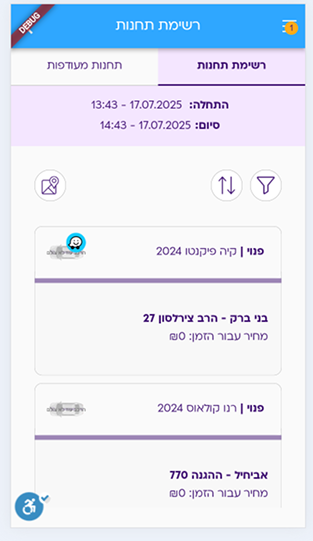
Previous City Car active booking screenPrevious City Car vehicle booking mapPrevious City Car route selection controlsPrevious City Car stations list

User Jourrney

Login
Step 1 · Booking Type
A2A
Same place
Vehicle on the map
or
Vehicle from the list
Car Selector
Daily, hourly or monthly plan
Deductible
Summary and Order
A2B
Another place
Vehicle on the map
or
Vehicle from the list
Car Selector
Daily, hourly or monthly plan
Deductible
Summary and Order

Wireframes

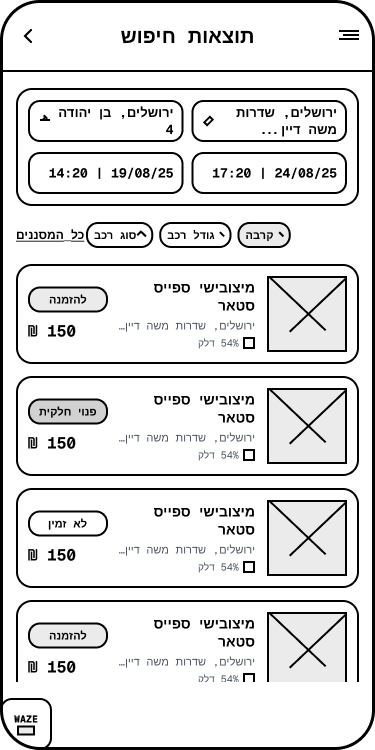
City Car search results wireframe
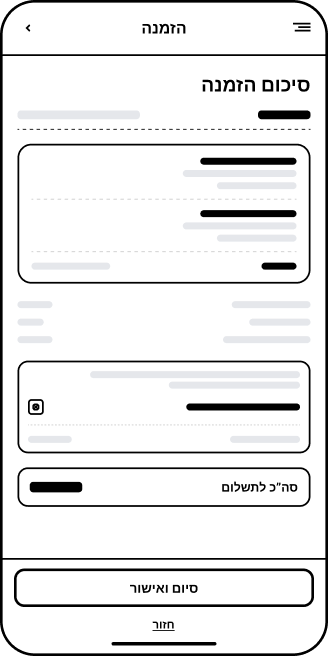
Car Booking Page
City Car order summary wireframe
Vehicle Details Card and Order Summary Area
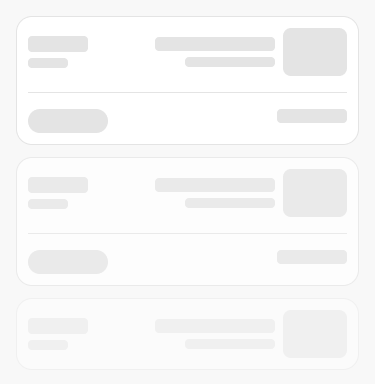
City Car vehicle list loading wireframe
Vehicle list loading

Design System

TYPOGRAPHY | PLONI ML V2 AAA

Headline 1H1 32px Bold
Headline 2H2 20px Bold
Body text font 3H3 16px Regular
ButtonH3 16px Regular
NotesP 12px Regular

COLOR

purple#6F3293
gray#939393
yellow#FDC824
black#000000
light purple#F2E4FF
bright-purple#F7F4FA

SHADOW & TAB

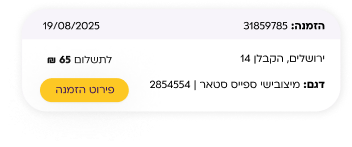
City Car booking tabsCity Car active booking card

BUTTONS

להתחברותDefaultלהרשמהDisabled

SECONDARY BUTTONS AND COLORS

ICONS

Design Makeover

Vehicle selection

BeforeVehicle selection before redesign
AfterVehicle selection after redesign

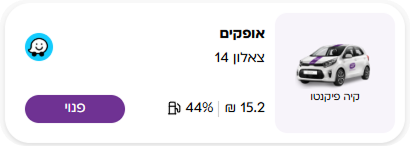
Booking card

BeforeBooking card before redesign
AfterBooking card after redesign

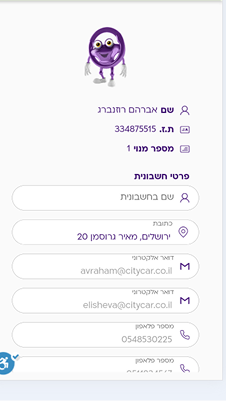
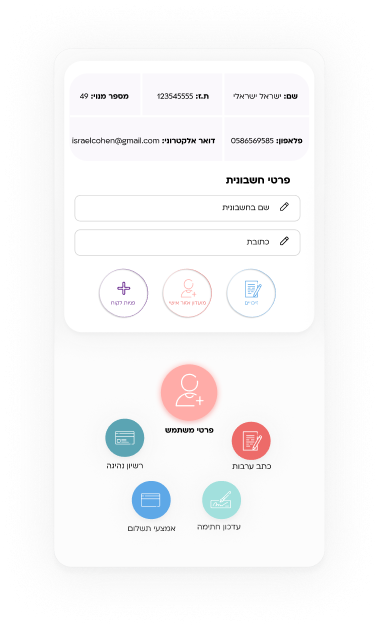
Personal area

BeforePersonal area before redesign
AfterPersonal area after redesign

UI Screens

City Car vehicle booking screen on desktopCity Car vehicle booking screen on mobile
Vehicle Booking Screen
City Car single-page booking process on desktopCity Car single-page booking process on mobile
A single-page booking process with anytime editing

More From the Product

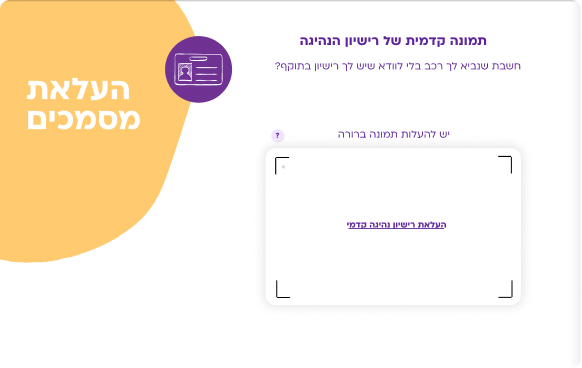
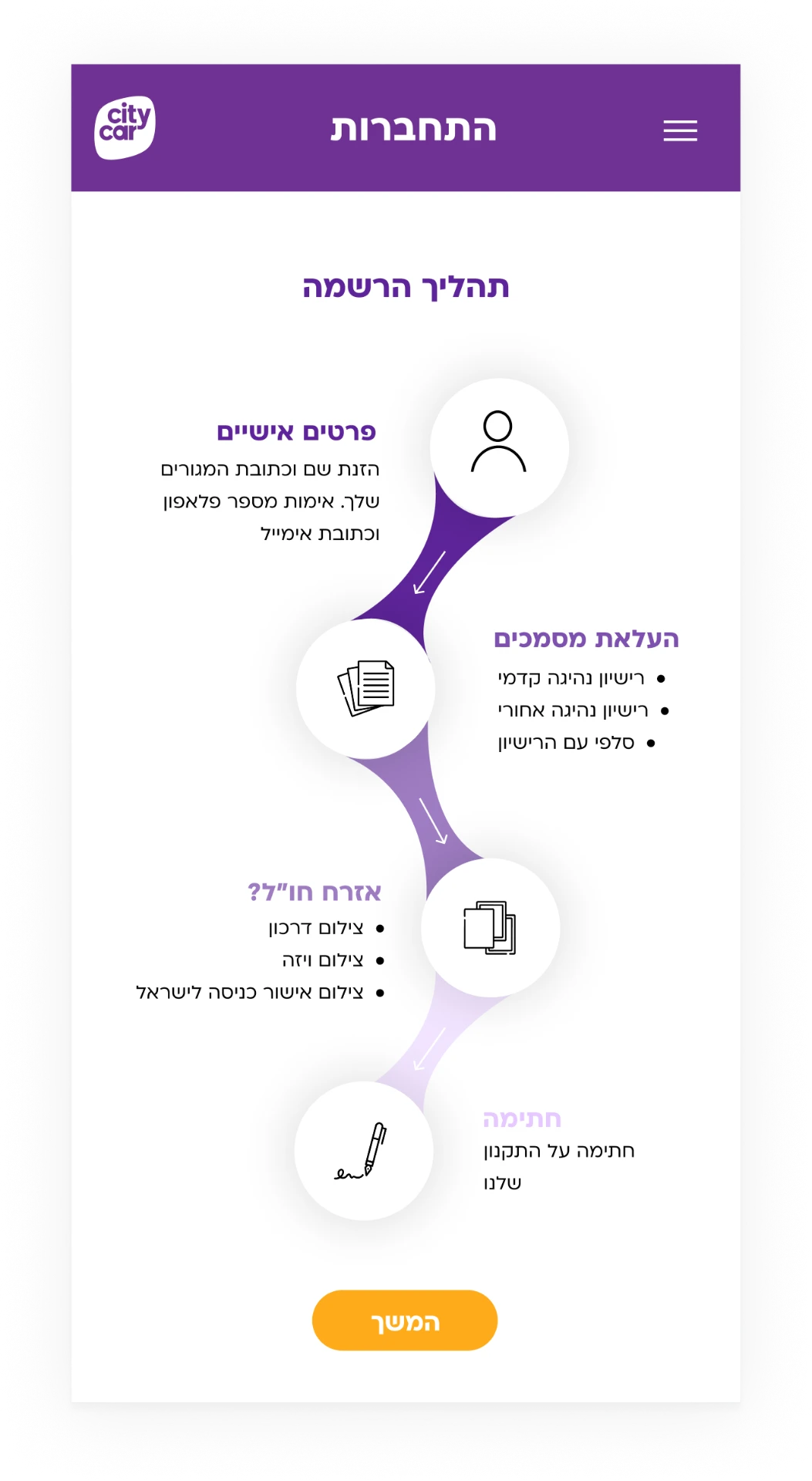
City Car document upload screen
Experiential document uploading
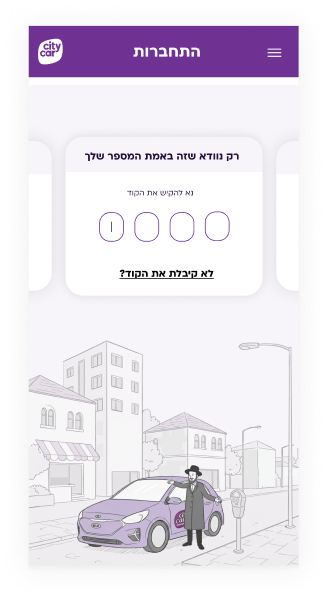
City Car log in and sign up screen
Log In and Sign Up
City Car registration process screen
Registration Process
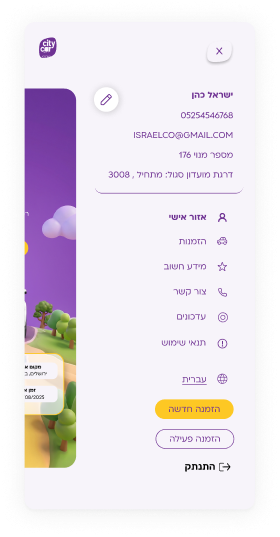
City Car upgraded side menu
Side menu upgrade

Let's build something great together

Let's talk